
To access the Bearing Configuration page, select the “Configuration” icon in the bottom left-hand side of the screen. Within this page, there will be four separate tabs for you to select, all of which contain various configuration options:
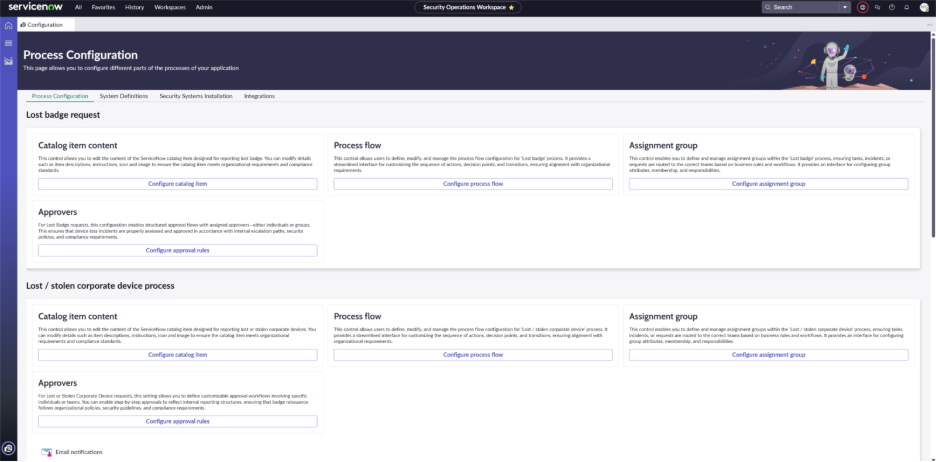
- Process Configuration
- This tab allows you to configure your organization’s processes for various workflows such as lost/stolen devices, badge access levels, critical event management, etc.
- System Definitions
-
- This page will display the configuration tables for Protected Assets, Configuration Items (CI’s), your Knowledge Article Library, as well as Manage Integrators.
-
- Additionally, this page contains links to configure inbound emails to create incidents or events.
- Security Systems Installation
-
- Within this tab you will be able to download the pre-defined import templates and import various devices to display CIs in your Configuration Management Database (CMDB).
- Integrations
-
- This screen is where you will be able to view all of the accessible integrations within the Bearing application.