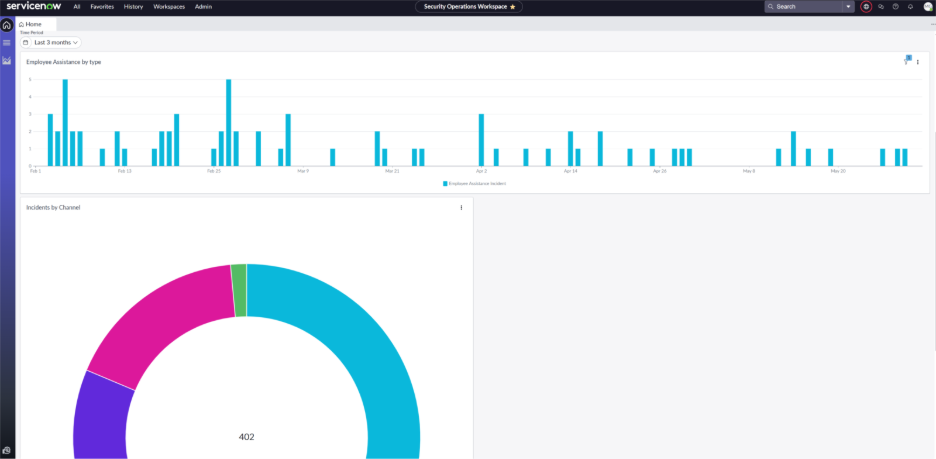
Security Operations Workspace Dashboard
This dashboard will operate as your landing page for your organization’s Physical Security incidents. It is divided into seven different tabs (General, Physical Security Systems, Facility Security, Asset Protection, Global Intelligence, Travel & Event Security, and SOC Metrics). Each of these tabs displays various graphs/charts and metrics for your incidents based on their categories and sub-categories. Additionally, you can use ServiceNow’s report builder function along with Bearing tables to build custom reports and dashboards. To submit feedback and dashboard requests, please contact your Bearing administrator.
General
The General tab gives you an overall view of your incidents. This includes incidents that need your attention based on criticality, breached/cancelled security incidents, and requests assigned to you. Additionally, this page provides an overview of all of your incidents based on the State, Category, and Unassigned incidents. You can also view your incidents based on the Protected Asset Type, and all open incidents or tasks assigned to you. Within each of these fields, you will be able to click on the charts, numbers, or incidents/tasks to view the full details of the incident.
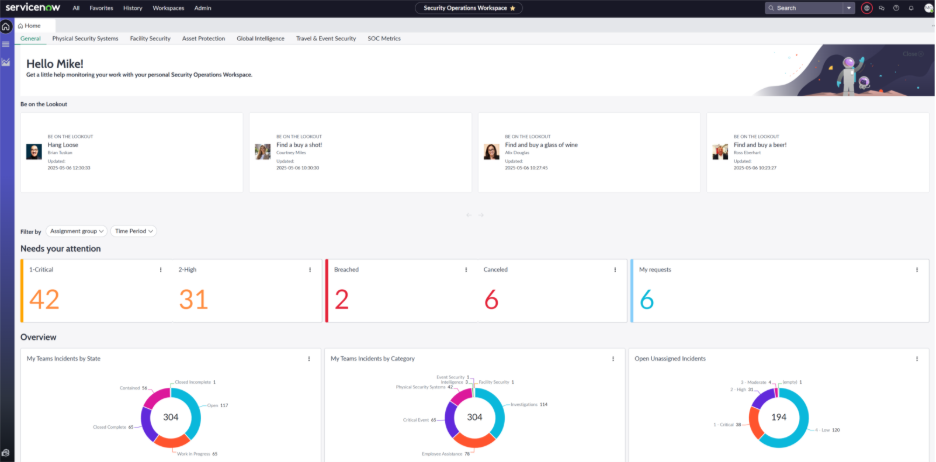
Physical Security Systems
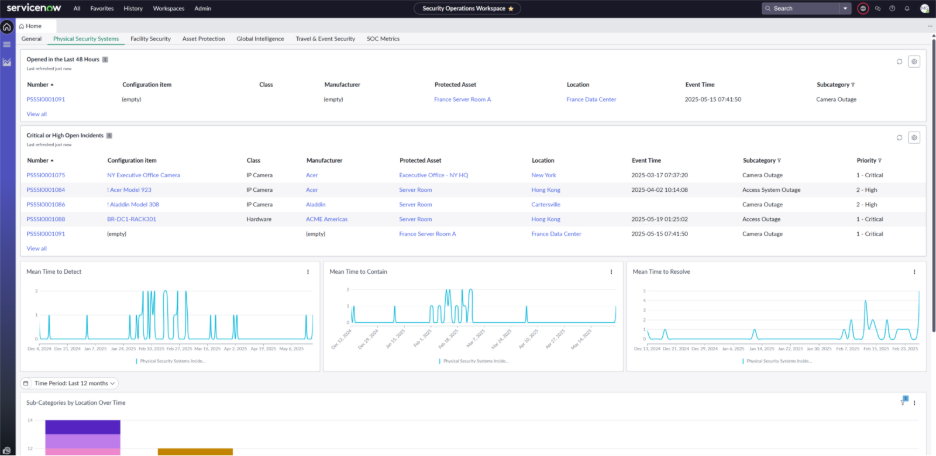
This tab will display your Physical Security Systems incidents, and various metrics behind them. You will be able to view all of your Physical Security Systems incidents opened in the last 48 hours and your open Critical or High incidents. Additionally, this tab displays your Mean Time to Detect (Event Time to Detect Time), Mean Time to Contain (Detect Time to Contain Time), and Mean Time to Resolve (Event Time to Resolve Time). Finally, this page contains a chart that displays your incident Sub-Categories by Location Over Time, with a filter to allow you to adjust the time scale.
Facility Security
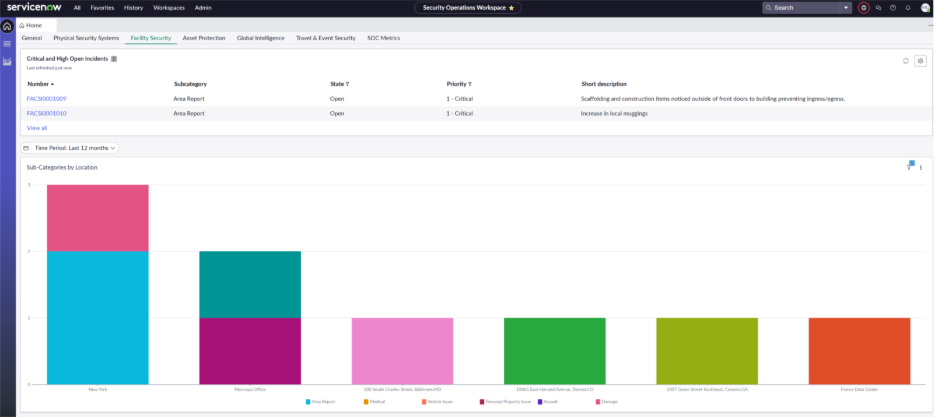
The Facility Security tab is where the metrics from your Facility Security incidents will be displayed. Currently this tab features a list of the Critical and High Priority Open Incidents and a graph displaying the Facility Security sub-categories by location. This graph can be adjusted by Time Period.
Asset Protection
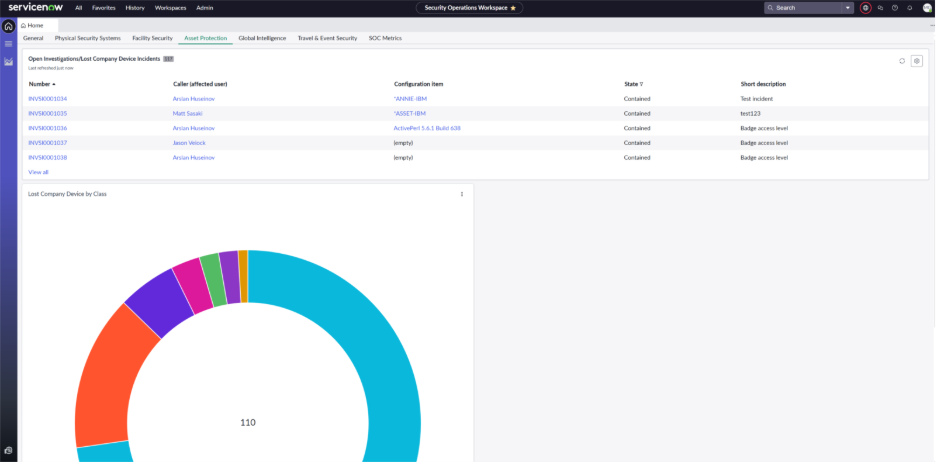
In the Asset Protection tab, you will be able to view your open Investigation incidents, as well as your open Lost Company Device incidents. Included with this page is a chart that shows your total lost company device incidents by class. This will give you an overall view of what type of devices are generally lost more than others.
Global Intelligence
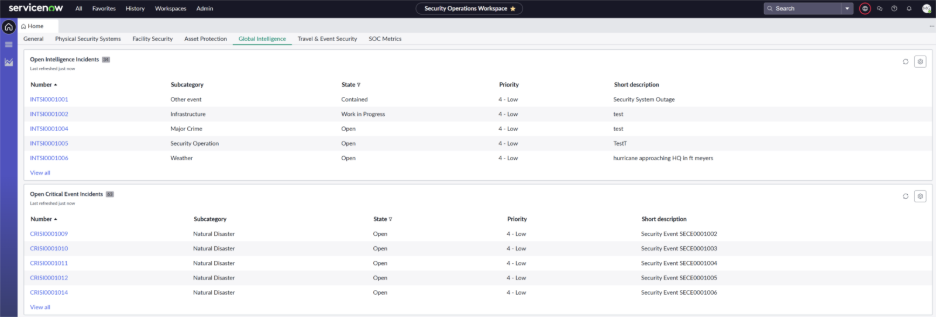
The Global Intelligence tab is where you will find all of your open Intelligence and Critical Event incidents.
Travel & Event Security
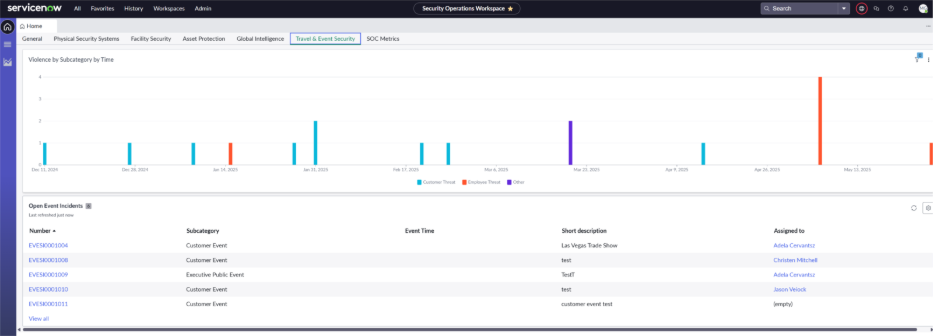
In Travel & Security, you are presented with a bar chart that displays the number of incidents by sub-category (customer threat, employee threat, etc.) over time. Additionally, you will be able to see a list of your Open Event Incidents.
SOC Metrics
SOC Metrics is where you will be able to visualize the information that your SOC is receiving. Here you will see the number and type of Investigations related incidents over time, the number and type of Employee Assistance incidents over time, and the total count of your Incidents by Channel (manual, phone, email, alert, etc.)